Xcode
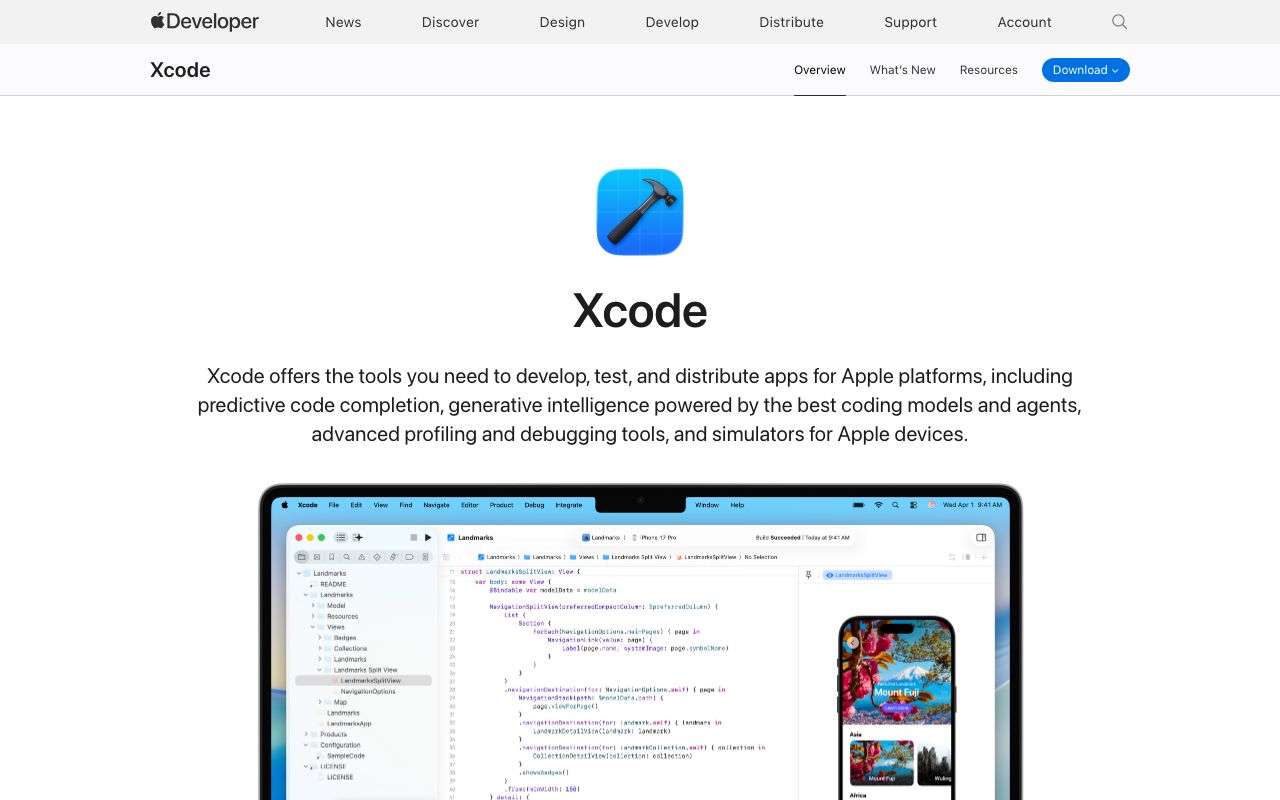
Xcode
Comprehensive IDE for developing, testing, and distributing apps for all Apple platforms. Features AI coding assistance, simulators, and profiling tools.
About
Xcode is a powerful Integrated Development Environment (IDE) from Apple, designed to streamline the development, testing, and distribution of applications across all Apple platforms, including iOS, iPadOS, macOS, tvOS, visionOS, and watchOS.
It offers advanced features like predictive code completion powered by on-device machine learning trained for Swift and Apple SDKs. Xcode integrates generative intelligence, supporting large language models from providers like Anthropic and OpenAI, and provides "Coding Tools" for assistance with writing code and documentation directly within the source editor.
Key features include:
- Coding Intelligence: Predictive code completion, AI-powered code suggestions, and integration with LLMs for enhanced coding assistance.
- Xcode Previews: Rapid visualization of UI changes in SwiftUI, UIKit, and AppKit views within a live or interactive preview canvas.
- Simulator: Enables rapid prototyping and testing across a wide range of Apple devices and OS versions directly from your Mac, with advanced debugging capabilities and scenario simulation.
- Testing: Built-in resources for writing and running unit and UI tests, including the Swift Testing framework and XCTest, with support for performance measurement.
- Xcode Cloud: A continuous integration and delivery service for automating builds, tests, and app delivery to testers.
- Debugging & Profiling: Comprehensive tools to inspect app behavior, isolate bugs, find crashes, monitor memory usage, and analyze performance bottlenecks with Instruments.
- Organizer: Manages app development lifecycle, including testing, debugging, building, and deploying.
Xcode also provides access to resources like sample code, documentation, and community events, making it a complete solution for Apple developers.
Code Example
swift
// Example of SwiftUI Preview in Xcode
import SwiftUI

struct ContentView: View {
    var body: some View {
        VStack {
            Image(systemName: "globe")
                .imageScale(.large)
                .foregroundStyle(.tint)
            Text("Hello, world!")
        }
        .padding()
    }
}

#Preview {
    ContentView()
}