SVC Fusion
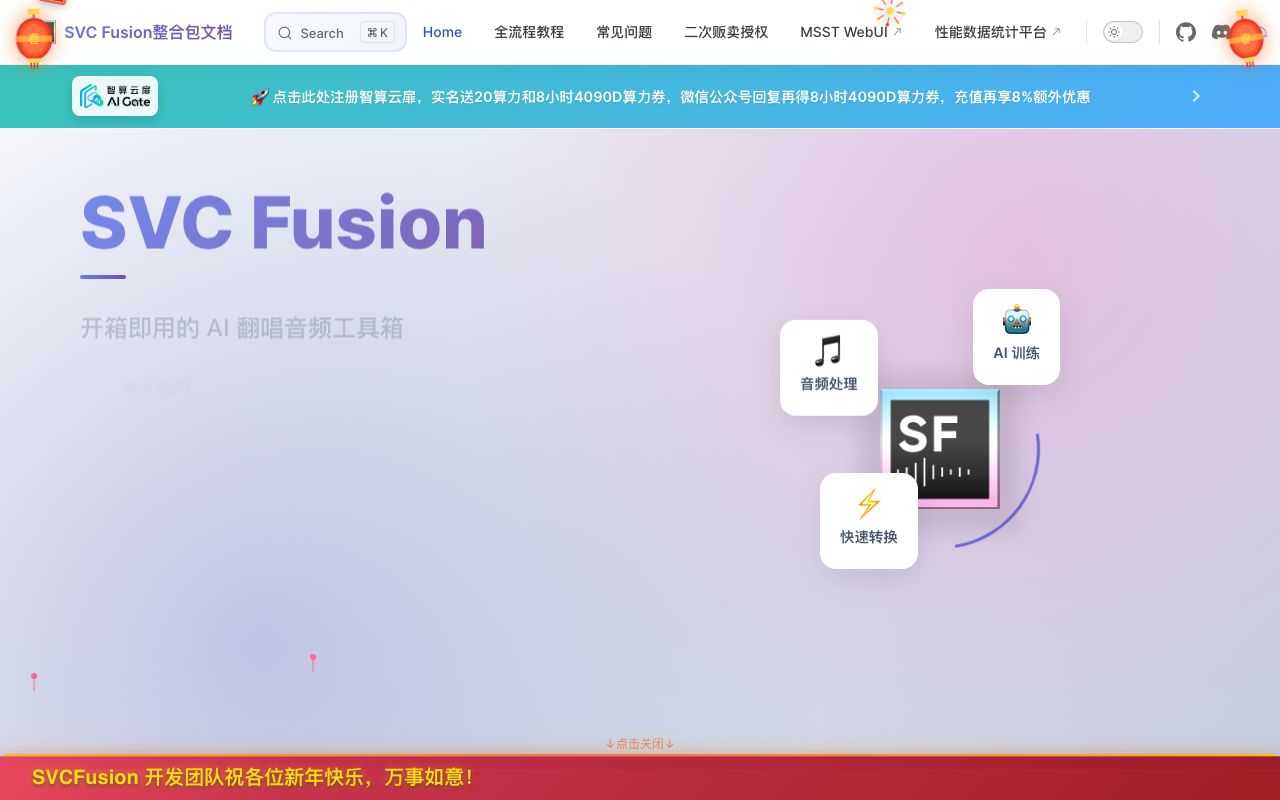
SVC Fusion
SVC Fusion: An open-source AI audio toolbox for voice conversion and singing synthesis. Easy to use, CPU-trainable, and beginner-friendly.
About
SVC Fusion is an open-source, user-friendly AI audio toolbox designed for voice conversion and singing synthesis. It simplifies complex audio processing and AI training workflows, making it accessible even for beginners. Key features include.
Easy to Use: Designed with a straightforward interface for quick adoption. CPU Training Available: Allows training AI models even without powerful GPUs. Beginner-Friendly: Tailored to make advanced AI audio techniques accessible to a wider audience.
SVC Fusion differentiates itself from similar tools like the Feather integration package by offering enhanced features and a superior user experience. This includes support for NVIDIA 50 series cards, custom base models and vocoders, pitch shifting, built-in offline separation, automatic mixing, real-time voice changing (voice changer), vocoder pitch shifting, and a comprehensive model management system. It also boasts AMD graphics card support.
Supported Models:
- DDSP-SVC (6.3 / 6.1 / 6.0)
- So-VITS-SVC (4.1)
- Reflow-VAE-SVC (Latest)
- RVC (Development)
- RIFT-SVC (Development)
More model support is under active development.
Rich Toolset:
- CUDA Performance Benchmark: Test your graphics card performance for optimized inference.
- Audio Cutting: Precisely cut audio files in various formats.
- Resampling: Adjust audio sample rates to match model requirements.
- Batch to WAV: Convert audio files to WAV format in bulk.
- Voice Separation: Intelligently separate vocals from backing tracks.
- Vocoder Pitch Shifting: Modify audio pitch using vocoders.
- Real-time Voice Changer: Experience instant voice transformation.
Code Example
bash
# Example of downloading and running SVC Fusion (specific command may vary based on installation method)
# Please refer to the official documentation for precise installation instructions.

# Once installed, you might run it via a command line interface or a GUI.
# Example CLI command (hypothetical):
svc-fusion --train --model path/to/model --input audio.wav --output output.wav

# Example GUI launch (hypothetical):
python svc_fusion_gui.py