Cursor
Cursor
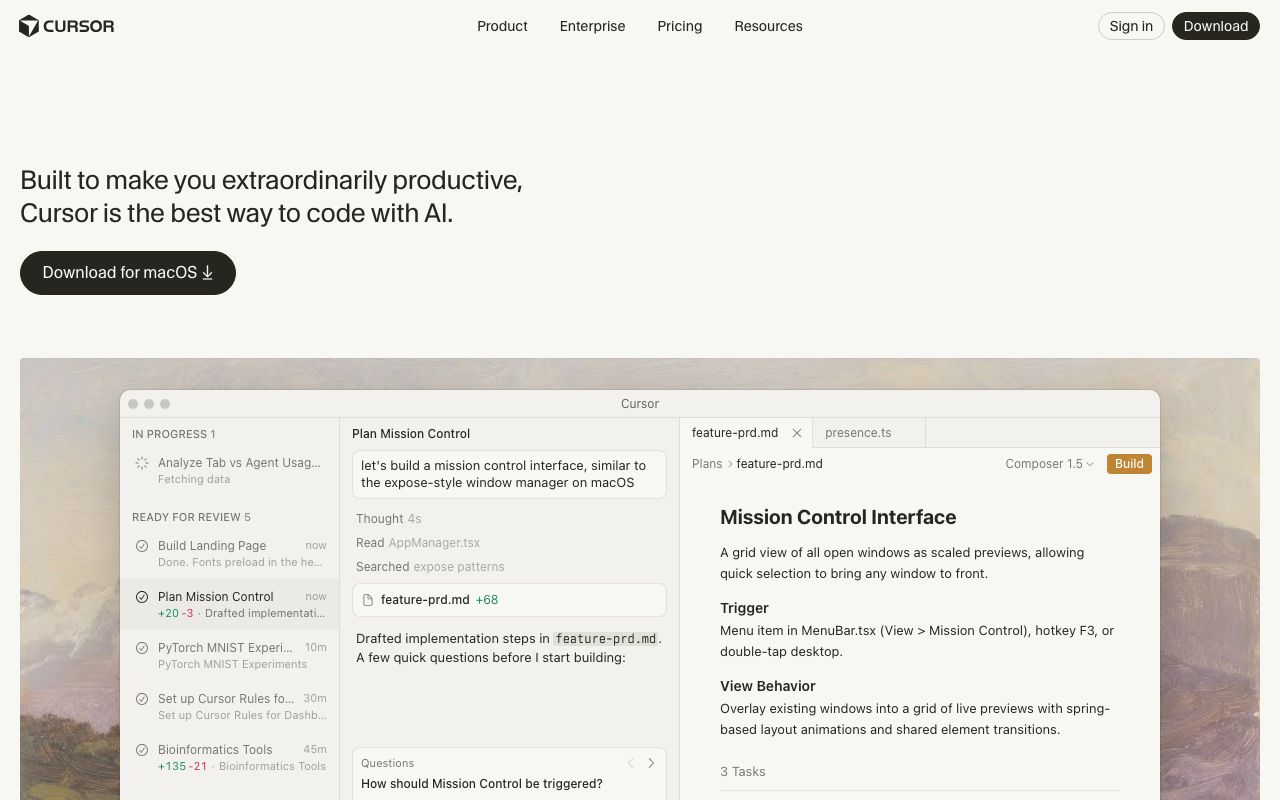
Cursor is an AI-powered IDE that makes developers extraordinarily productive. Code faster with AI assistance, agents, and intelligent autocompletion.
0 views
Added Feb 26, 2026
Freemium
About
Cursor is the premier AI-powered Integrated Development Environment (IDE) built to enhance developer productivity. It seamlessly integrates AI assistance throughout the coding workflow, from intelligent autocompletion ('Tab') that predicts your next action with high speed and precision, to powerful agents that can take on tasks and turn ideas into code.
Key features include:
- AI Agents: Hand off development tasks to Cursor's agents, allowing you to focus on decision-making. Agents can draft implementation steps, ask clarifying questions, and generate code based on your plans.
- Magically Accurate Autocomplete (Tab): A specialized AI model that provides remarkably fast and precise code suggestions, understanding your context.
- Codebase Understanding: Cursor learns and understands your entire codebase, no matter its scale or complexity, enabling context-aware AI interactions.
- Multi-Surface Integration: Cursor integrates with your existing tools, including GitHub for code reviews and Slack for team communication, as well as running in your terminal.
- Bring Your Own Model: Choose and utilize various cutting-edge AI models from providers like OpenAI, Anthropic, Gemini, xAI, and Cursor's own models.
- Enterprise Ready: Trusted by leading enterprises, including a significant portion of the Fortune 500, to accelerate development securely and at scale.
Cursor aims to make coding more enjoyable and efficient, empowering developers to build enduring software with AI assistance at every step.
Code Example
typescript
// Example of how Cursor might assist with AI

// User prompts Cursor to build a Mission Control interface
// Cursor analyzes existing code (e.g., AppManager.tsx, feature-prd.md)
// and suggests implementation steps.

// Agent drafts implementation steps:
// 1. Add multiplayer mode to useAppStore.ts
// 2. Create a new MissionControlView.tsx component
// 3. Update AppManager.tsx to apply expose modes.

// User might then use Cmd+K to generate or refine code:
// let missionControlUI = generateMissionControlInterface();

// Or use Tab for intelligent autocompletion:
// function MissionControlView() {
//   // ... Cursor provides suggestions for component logic ...
//   return (
//     <div className="mission-control-grid">
//       {/* Render window previews */}
//     </div>
//   );
// }
Categories
Alternatives
GitHub Copilot
Suggested
VS Code
Suggested
IntelliJ IDEA
Suggested